Managing council documents shouldn’t mean spending time updating website pages, creating links or organising files manually.
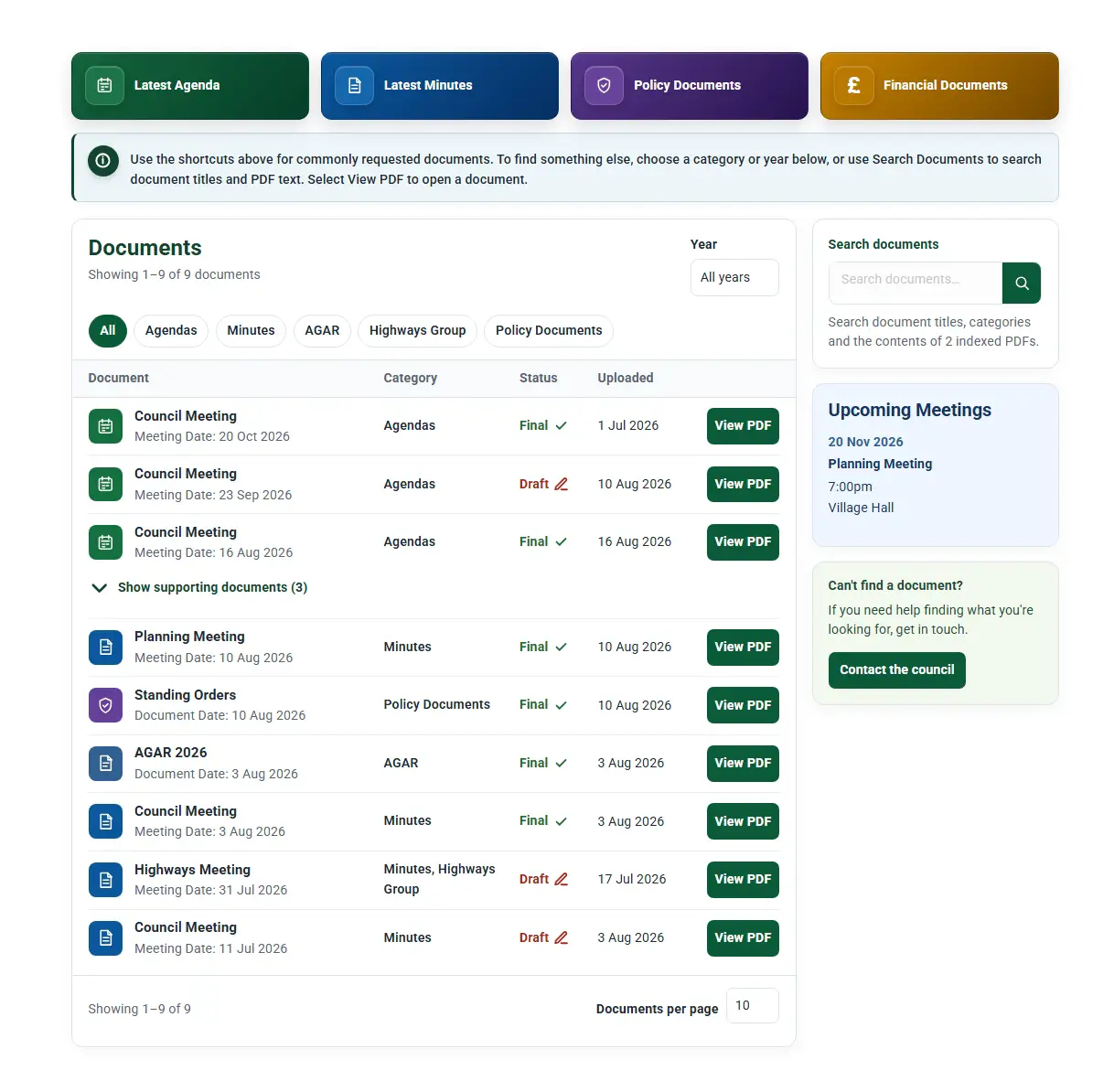
With Council Desk, clerks simply upload their documents, give them a title, select a category and date, and Council Desk takes care of the rest. Agendas, minutes, policies, financial reports and other council documents are automatically organised and displayed on a dedicated public-facing page.
Prepare documents before publishing
Documents can be saved as drafts, allowing clerks to prepare and check information before making it available to the public.
One page for all your council documents
There’s no need to create individual website pages or manually update document lists. Everything is presented in one organised, easy-to-navigate Front Desk, with categories and date filters helping visitors find what they need.
Search beyond the document title
Residents and councillors can search for documents by name or search within the contents of indexed PDFs, making it easier to locate specific information buried in meeting minutes, policies or reports.
Less website administration. More time for council work.
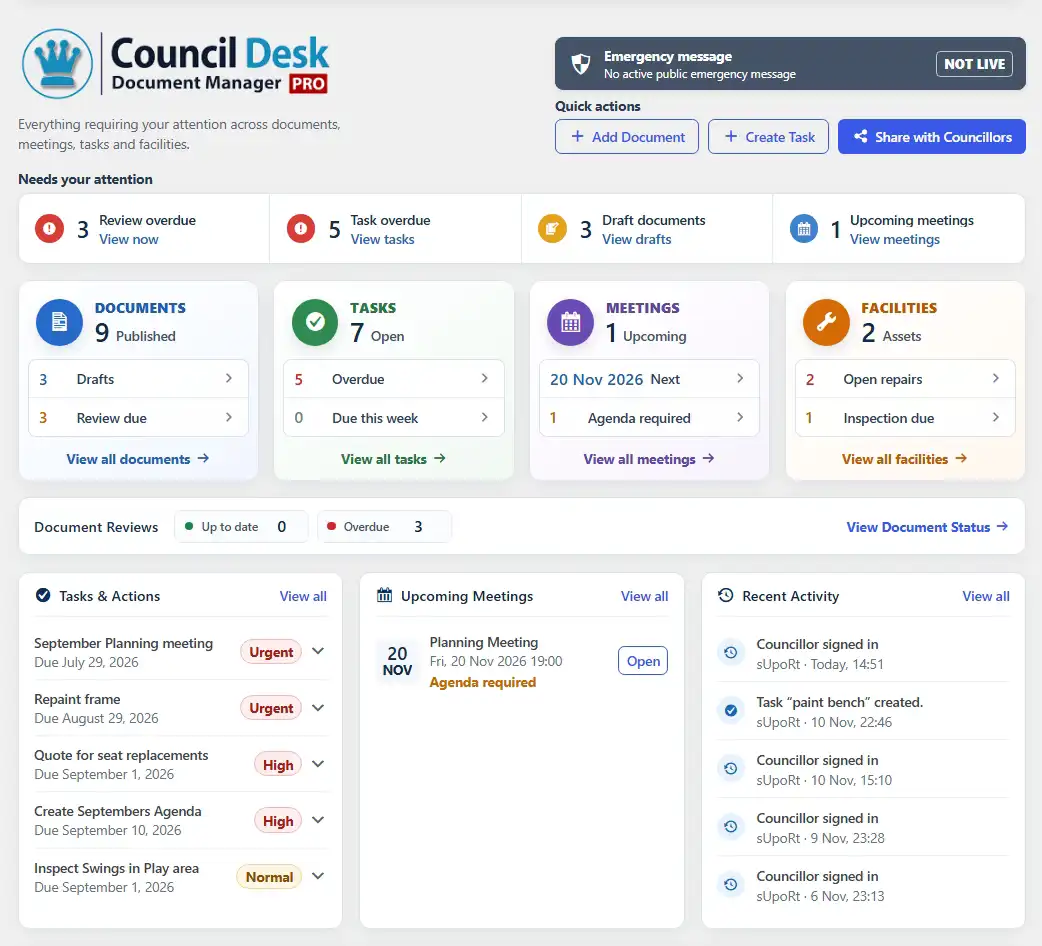
Upload, organise and publish your council documents from one simple dashboard, without needing website editing skills.
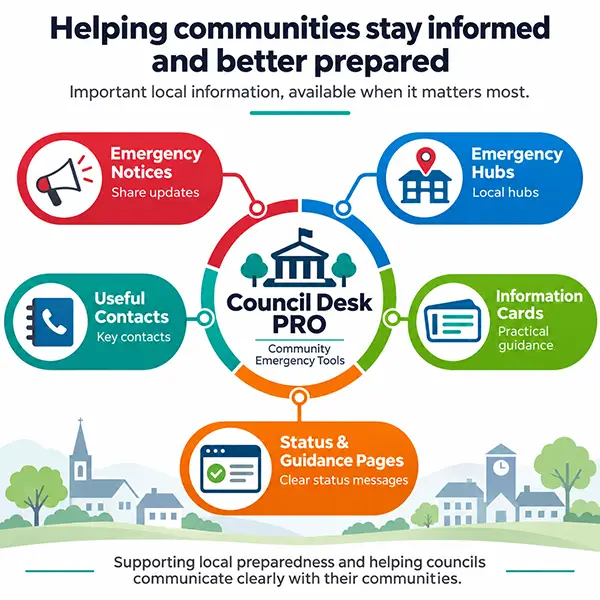
Share community emergency notices, identify local emergency hubs, provide useful contact details and publish practical guidance through easy-to-access information cards.
With clear emergency status messages and dedicated community information pages, residents can find relevant local guidance in one familiar place.
Supporting local preparedness and helping councils communicate clearly with their communities.